Sure, we all know that competition on the platform is fierce. And sure, we understand that getting a decent number of views isn’t easy for anyone who just started. This guide aims to give you actionable tips on getting more viewers on Twitch that actually work, so let’s dive in!
The Basic Principle Behind the Algorithm
First, here’s a brief overview of how Twitch ranks its streams. It’s sorted by the number of live viewers in a particular category. The streams with the highest viewer numbers appear on top. Those streams are then discovered by users who look through the category and decide which one to watch next. Consequently, a stream that appears higher on the list attracts even more views.
With that principle in mind, here are some tips on attracting more views that actually work
1. Strategies That Get More Viewers on Twitch
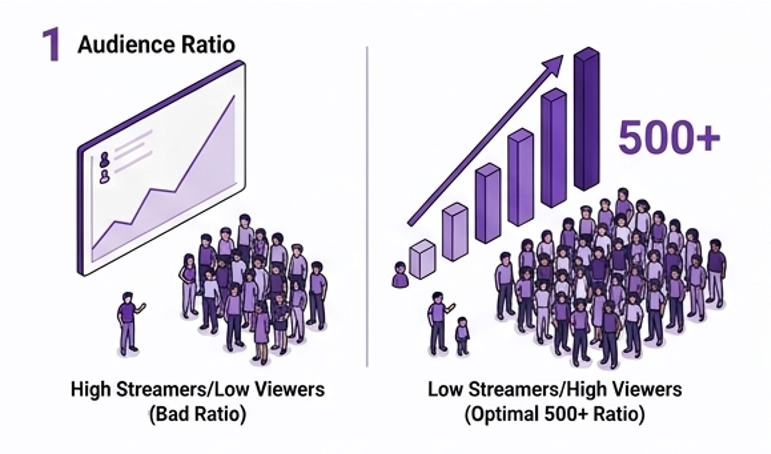
Choose Streaming Games With a Proper Viewer-to-Streamer Ratio One of the biggest mistakes many new streamers make is picking popular games in their categories. For instance, it would be pointless to stream Fortnite or Valorant if your channel has just 10 subscribers because you’ll be competing against dozens, or even hundreds, of established creators who have thousands of followers already. As a result, you’ll barely appear on the category pages, and users won’t even be able to find your stream.
On the other hand, streaming games that have just a dozen viewers and no streamers is equally meaningless because you won’t be able to reach the existing audience and grow your channel. What you want to do is choose streaming games with a large viewer-to-streamer ratio. To do this, check the number of viewers in a certain category and compare it to the number of live streams at the same time. Ideally, your game should have a ratio of 500+.
Understanding the targets that matter helps you measure progress. Here’s what you need to go from Twitch affiliate to partner. When you see if from this perspective the goal does not seem so far fetched.
Milestone
Requirements
What You Unlock
Twitch Affiliate
50 followers, avg 3 concurrent viewers, 500 mins broadcast, 7 unique broadcast days in 30 days
Subscriptions, Bits, game sales revenue
Twitch Partner
Avg 75 concurrent viewers over 30 days, 25 hours streamed, 12 unique broadcast days
Ad revenue, priority support, custom emotes
Monetisation (ads)
Twitch Partner status
Revenue share from ads shown on your stream
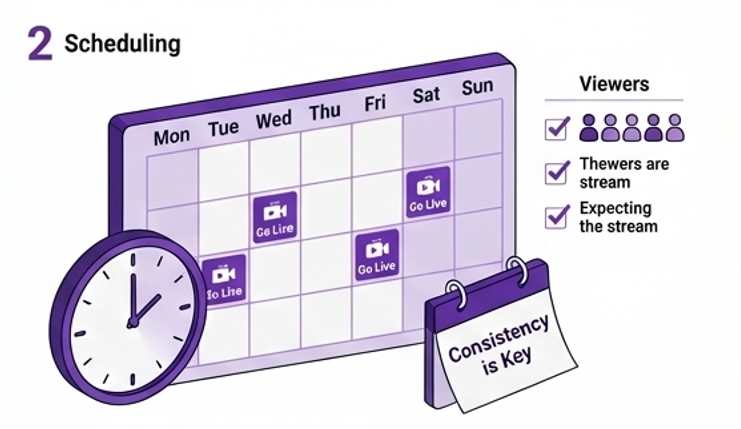
2. Set a Regular Schedule and Stick to It
Consistency is key! It’s crucial for building trust with your subscribers and creating a loyal community that keeps coming back and inviting their friends to join you. So what’s better: live for three hours on Tuesday and Friday, or spend an hour on every single day? In the first case, your viewers will know what to expect from you. They’ll be able to plan their viewing schedule and come to your streams every single time, which is excellent for building a community.
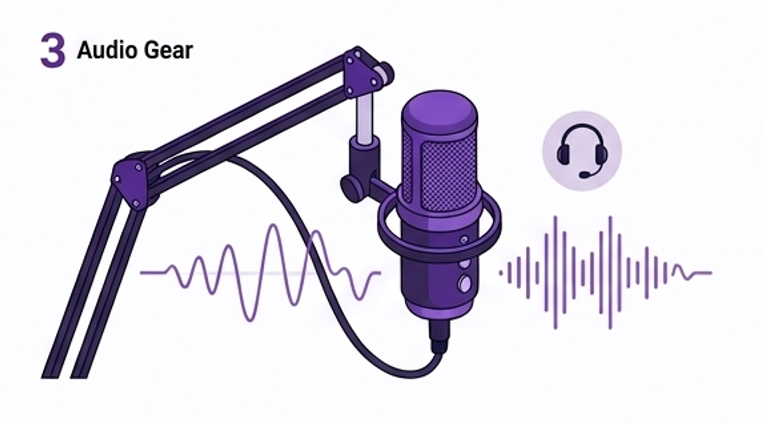
3. Prioritise Audio Quality
This might seem counter-intuitive, but it’s true! While a good-looking stream makes a great first impression, poor audio quality pushes viewers away. It’s fine if your broadcast looks mediocre; however, it’s essential that your audience hears what’s happening in-game. Background noise, bad mic quality, and low volume prevent viewers from enjoying their streaming experience and following the action. As a result, you’ll lose a significant chunk of your viewers.
Invest in a good mic – it can cost just a couple of hundred dollars, and that’s one of the easiest ways to increase viewer numbers. In addition, a good camera will significantly boost the quality of your streams, making it easier to grow your audience.
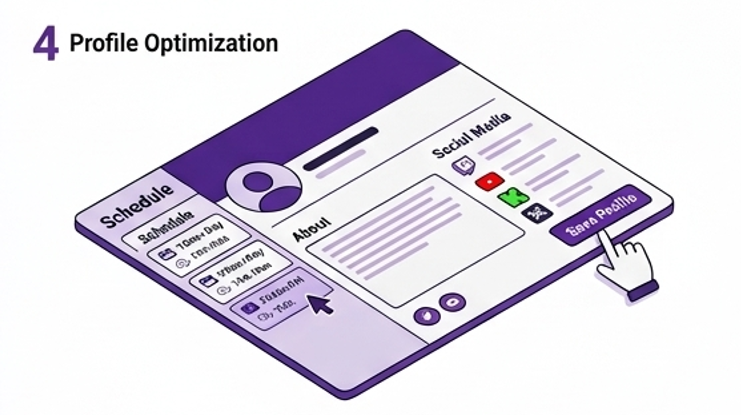
4. Optimize Your Profile and Panels
What viewers see when they come to your Twitch channel is important! It can make them stay and watch your stream or close the tab and never return. So, don’t hesitate to optimize your profile, and fill all the fields with information that interests viewers. Provide your viewers with information on your schedule, gaming style, and interests. It can be a short summary that consists of several sentences.
Also, create panels that provide useful info to your viewers. You can include your schedule and upcoming events, links to your other social media channels, and other useful info that helps viewers interact with you and stay tuned to your latest updates.
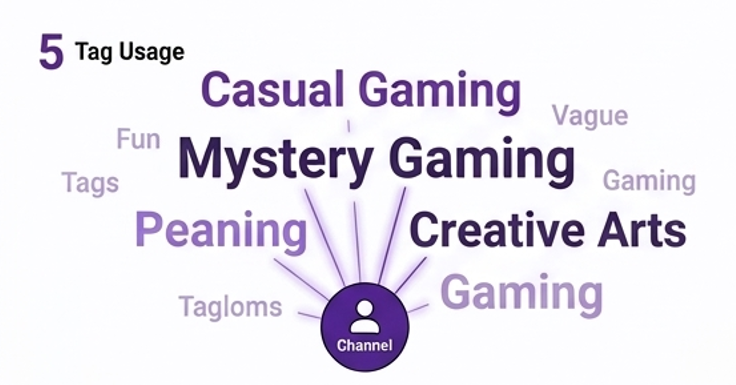
5. Use Relevant Tags
Tags are used by Twitch’s algorithm to determine your content and serve it to interested viewers. Therefore, it’s important to use them effectively to maximize your visibility in the category and grow your audience. For example, avoid generic tags like “fun,” “gaming,” or “streamer” because they’re too broad and irrelevant. Instead, use tags that describe your gaming style or the genre of the game. For instance, “casual gaming” or “mystery gaming” are great tags for your stream.
It might also be interesting to check what tags the leading streamers in your niche are using. You’ll likely discover some trends and learn which tags are most common in your category. Experiment with different tag combinations during several streams and monitor how your discovery metrics change. You’ll likely notice a slight improvement in viewer count if you do it correctly.
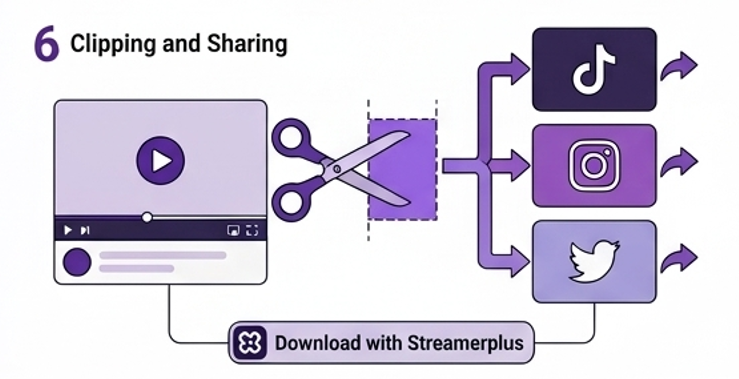
6. Clip and Share Your Best Moments
Your best stream moments can be used for growing your channel even further. Clips make your stream attractive to viewers who have never heard of your channel. For example, you can share your clips on TikTok, Instagram, and Twitter to reach more people in your niche and draw them to your channel. You’ll also have to share your clips with your friends on social media to get more views and grow your audience. It’s a simple and effective strategy that works for all streamers!
Finally, you should invest in your channel and buy Twitch followers and viewers to give your channel a boost and kick off your streaming career. Buying followers and viewers from Streamerplus is an excellent solution for many streamers.
7. Promote Your Twitch Channel on TikTok
Social media is a fantastic opportunity for growing your channel, and there are dozens of effective strategies to implement it. One of the most successful tactics is promoting your channel on TikTok or Instagram. Why not use short videos with your best stream moments? Your clips are already optimized for sharing on other platforms, and that’s what you should take advantage of! Post them on TikTok, Twitter, and Instagram, and use hashtags that describe your channel’s gaming style or genre. In a couple of days, you’ll likely get additional views from social media followers.
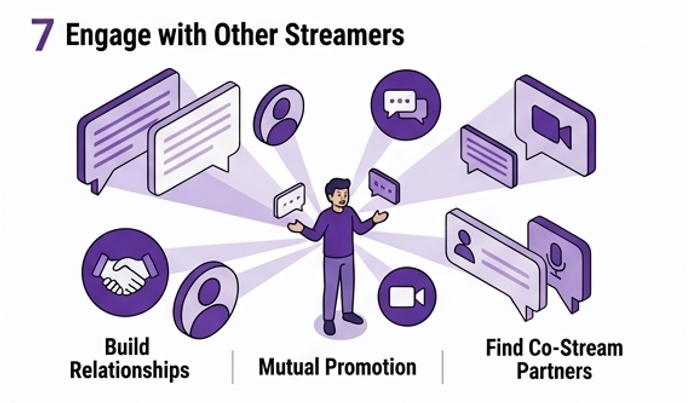
It’s always beneficial to build relationships with fellow streamers in your niche. You can collaborate with them to promote your channel and increase viewer numbers. For example, you can ask your peers to mention your channel in their stream or write a positive review. Of course, you’ll have to do the same to help them promote their channel and build a mutually beneficial relationship. Moreover, you’ll be able to organize co-streams to entertain your viewers with unique content.
“Not sure when your audience is most active? Use our free Find the Best Time to Stream tool to find your optimal streaming window.”
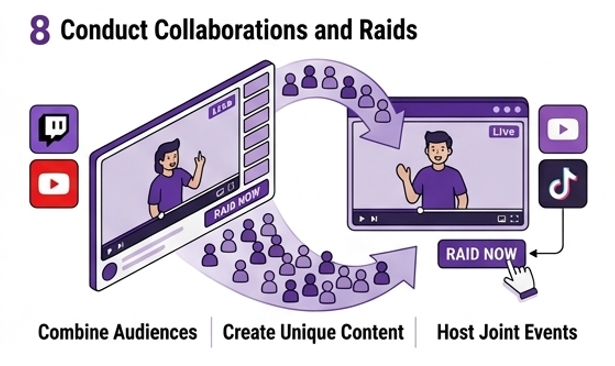
8. Conduct Collaborations and Raids
Collaborations are an excellent way to exchange your audience and gain more views and followers from other channels. It allows you to invite other streamers’ viewers to your channel and get viewers of your channel to join their streams. Both channels benefit greatly from such collaborations because they exchange their audience and get new subscribers. In addition, you can conduct raids and invite your viewers to join other streamers. You’ll likely receive raids in return, and that’s a great opportunity to boost your channel’s visibility.
9. Increase Live Time per Stream
While the optimal time for live streaming is three hours, you should spend five or six hours on your stream per day. You’ll have more time to interact with viewers and provide them with interesting content. More importantly, Twitch will display your stream on category pages for longer periods. Thus, more viewers will find your channel through Twitch categories. Don’t forget that the best moments usually occur at the end of the stream, so you should wait until the third hour to get a unique experience!
10. Host Unique Events
Apart from regular streams, try organizing events that encourage viewers to visit your channel. Such activities may be linked to charitable events, milestones, viewer contests, or themed streams. Hosting unique events will make viewers curious and encourage them to tune in to your channel and participate in exciting competitions or challenges. Moreover, you can create buzz before hosting an event and invite your followers to attend it. It will help you build a community of dedicated subscribers who regularly attend your events and share them on social media.
11. Check Your Stream Metrics
Every Twitch channel has access to valuable metrics, including viewer numbers, follower count, peak viewer count, average viewer count, and chat metrics. It’s vital to check your stats and analyze your performance because it will allow you to learn what you’re doing well and where you can improve. For example, you’ll know which games attract more followers and have fewer viewer drops, allowing you to adjust your gaming style. Overall, it’s a great strategy to improve your viewer numbers.
12. Create a Discord Community for Your Followers
You can host discussions on your Twitch channel and invite your viewers to participate. It’s an excellent opportunity to interact with your followers and share your experiences. In addition, you’ll build strong relationships with your followers and create a loyal community that regularly attends your streams. Finally, your Discord community will help you promote upcoming events and streams, attracting more views and followers. You can easily grow your channel using Discord.
Reading Your Twitch Analytics, What to Actually Look At
Twitch Studio and your Creator Dashboard give you access to several key metrics after every stream. Here’s what each one means and what to do with it:
Metric
What It Tells You
What to Do With It
Average concurrent viewers
Your typical live audience size
Track week over week — consistent growth is the goal

 Twitch
 Convert Twitch Bits to USD
 Find Channel ID
 Twitch
 Buy Twitch Followers
 Youtube
 Buy YouTube Likes
 Buy Youtube Subscribers
 Buy YouTube Watch Hours
 Kick
Kick Buy Kick Followers
 Convert Twitch Bits to USD
 Download Twitch Clips
 Download Twitch VODs Instantly
 Kick VOD Downloader
 Kick Clips
 Find Channel ID
 Best Time to post on youtube
 Is YouTube Down?
 YouTube Giveaway Picker
 YouTube Money Calculator
 YouTube Restriction Checker
 YouTube Subscriber Count
 YouTube Subtitle Downloader
 YouTube Tag Generator
 YouTube Thumbnail Downloader